Give guests a reason to visit. And an easy way to plan it.
A restaurant website should answer practical questions before it asks guests to book: what is on the menu, when are you open and how do they get in touch?
Make everyday questions easy to answer.
Readable text menus, not only image PDFs
Opening hours and holiday updates
Clear reservation and ordering links
Bilingual content when your guests need it
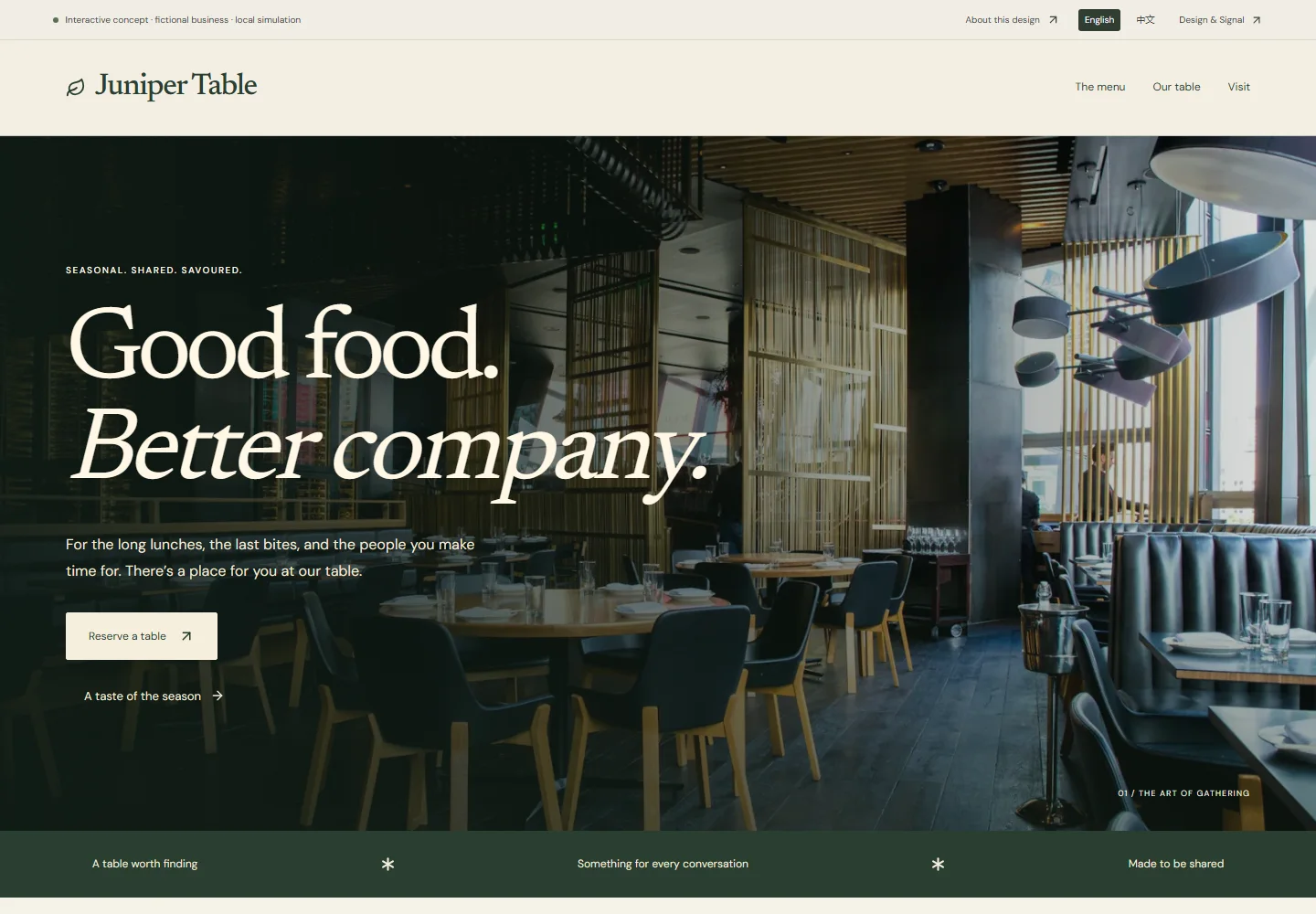
Juniper Table
Browse the menu tabs and hours, then pick a date, time and party size. The demo ends at an on-screen summary; a real site would hand off to the restaurant’s booking provider.
A website designed for a fictional business, with actual rendered captures and an interactive demo. It shows the design approach; it is not a client project or evidence of business results.
Agree on the job before the build.
Share your current URL, common enquiries and confirmed business details. We use remote conversations and preview links to agree the scope. You review the content and collect feedback before acceptance and handover.
See the review & handover processAlready have a website? Choose one priority.
Tell us where customers get stuck: finding a service, contacting you on a phone or understanding outdated information. Review scope and any follow-on work are agreed before work begins.
Explore a website reviewHave somethingworth signalling?
Tell us what you are making and who needs to find it. Write in English or Chinese.